Set up kits and kit helpers
Build each kit, choose who wears it and make parents kit helpers.
For coaches & admins
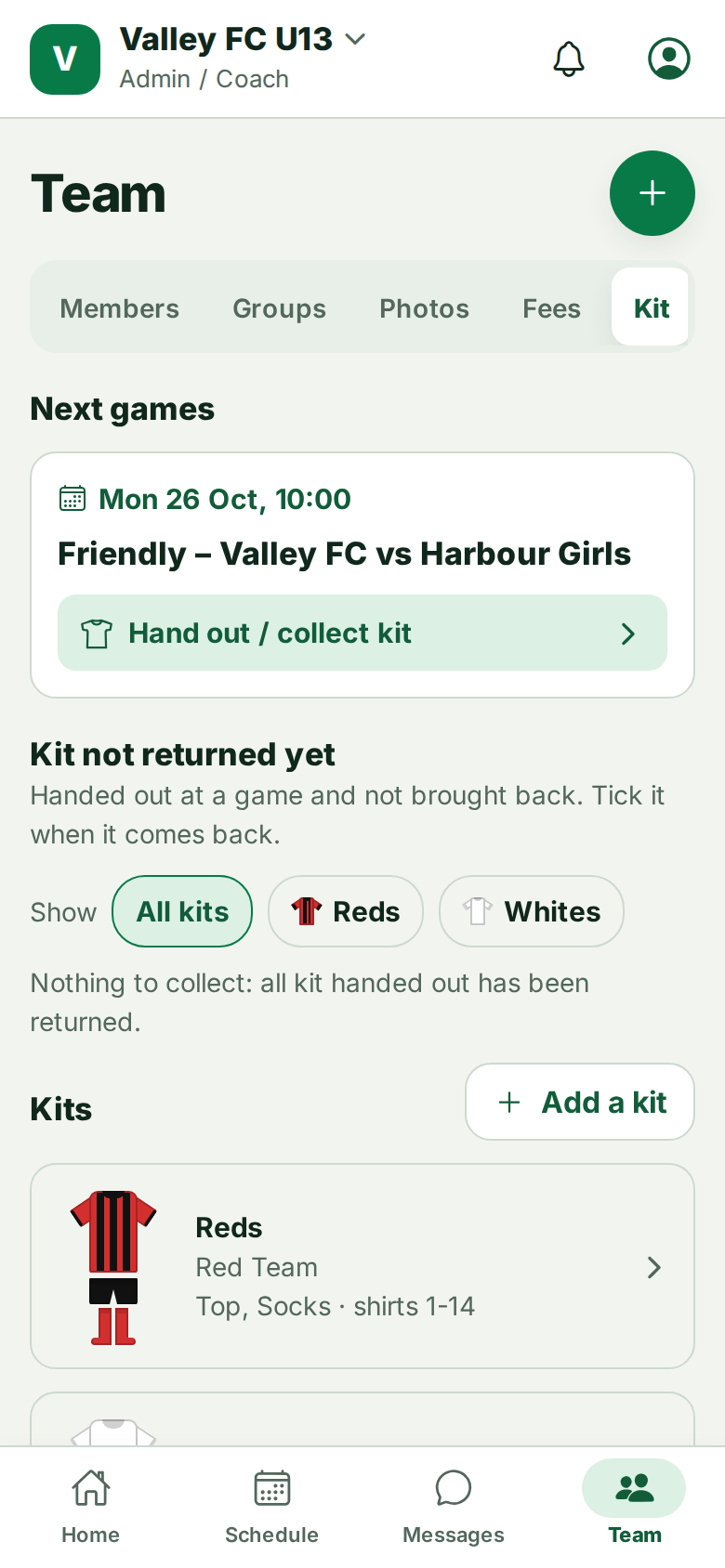
- Team → Kit → ⋯ → Add a kit. Choose the shirt style (plain, stripes, halves, hoops) and the colours. The picture shows it as you go.
- Choose the groups wearing this kit and what is handed out (top, shorts, socks).
- Type the shirt numbers in the bag, for example 1-18, and the goalkeeper shirts.
- Tap ⋯ → Add a kit helper and choose the kits each helper usually looks after.
Helpers can change what is handed out and the shirt numbers, but not colours or groups. Helpers show a 👕 Kit helper badge in Members.
Still stuck? Write to support@ahna.app.