Answers, reminders and attendance
See who is coming, remind the rest and take attendance.
For coaches & admins
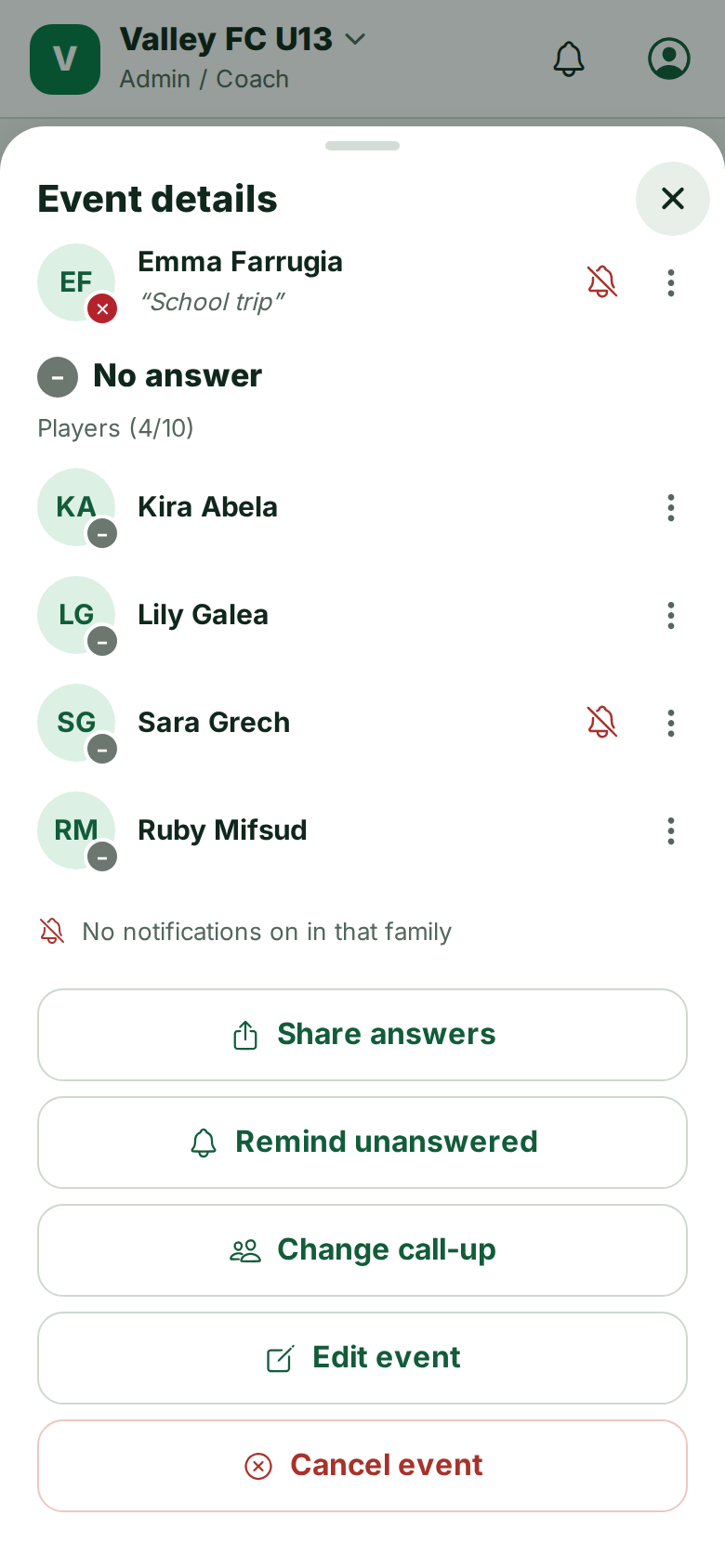
- Open an event to see Going, Not going and No answer for every player.
- Every action on an event sits in the ⋯ menu at the top: share or remind answers, call-up, line-up, attendance, edit and cancel.
- Remind unanswered sends a nudge only to families who have not answered.
- The eye counter on an event or post opens Seen by…: who has seen it and who reacted.
- On the day, open the event, tap ⋯ and choose Take attendance.
When a family changes an answer you get a notification such as Not going · Mia Borg, with Going → Not going underneath.
Still stuck? Write to support@ahna.app.