Create events and call players up
Add trainings and matches, pick the squad and tell families.
For coaches & admins
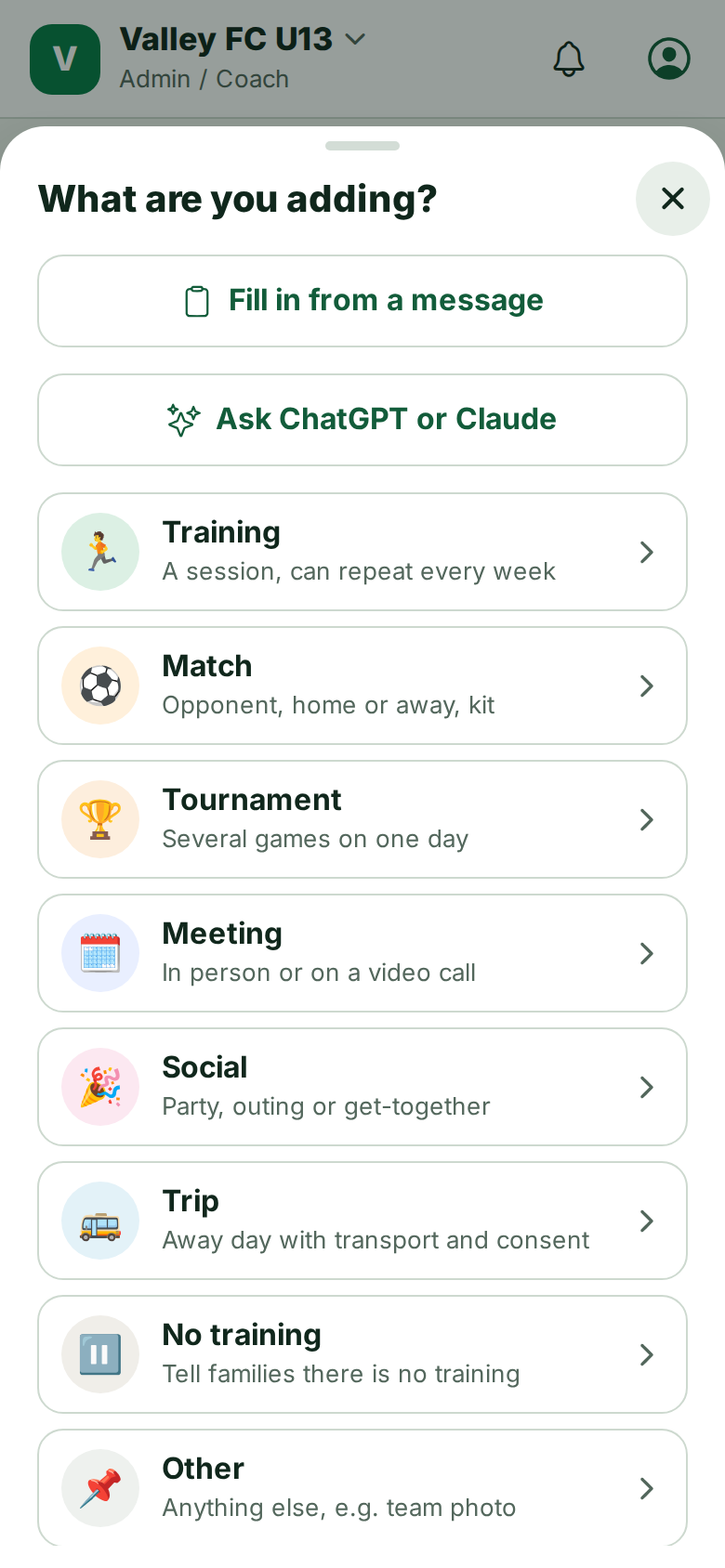
- Schedule → + (or Create event). Choose the type: training, match, tournament, trip, social or meeting.
- Fill in the date, time and place. Weekly trainings can repeat.
- Choose who it is for: the whole team, some groups or players, or call-ups later.
- Save. Families get a notification (unless you save it as a Draft).
Call-ups for a match
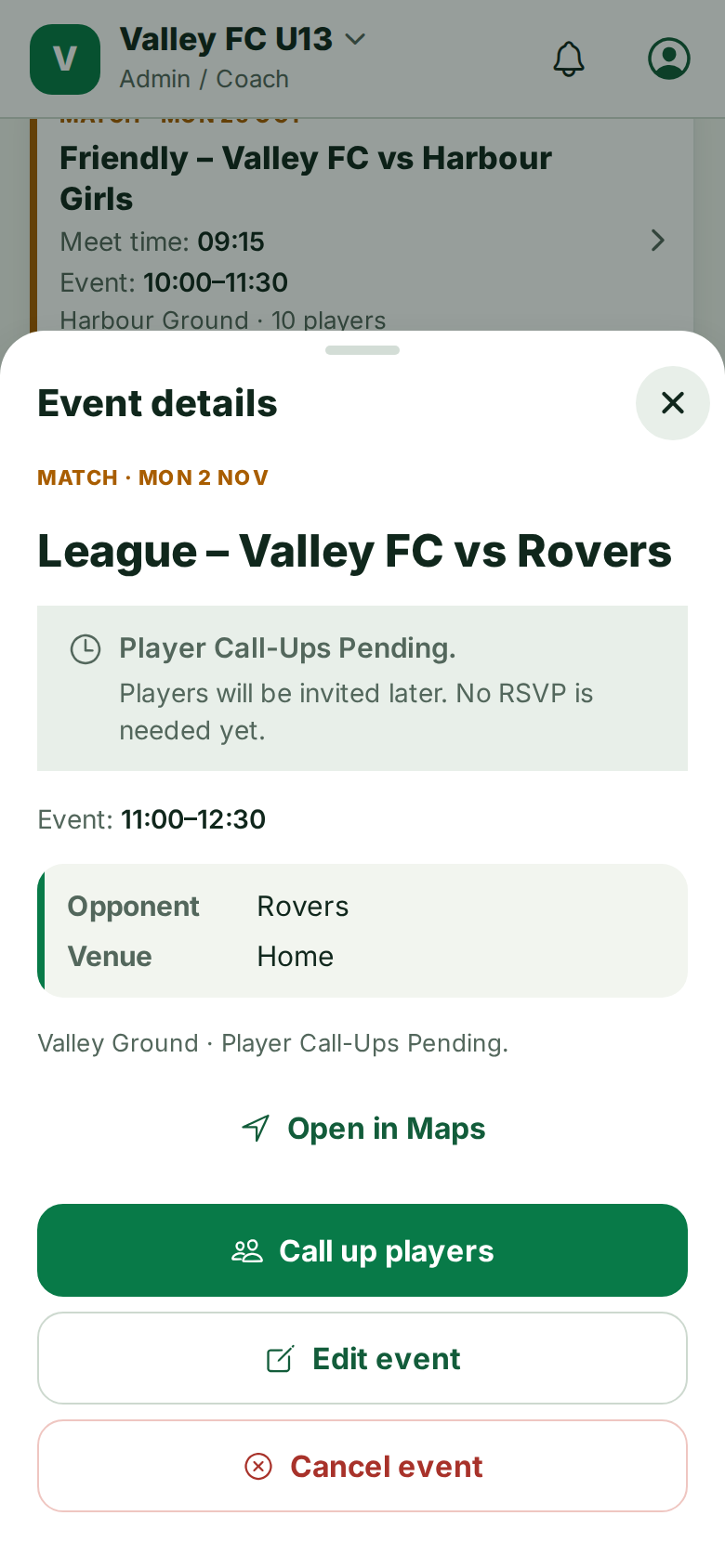
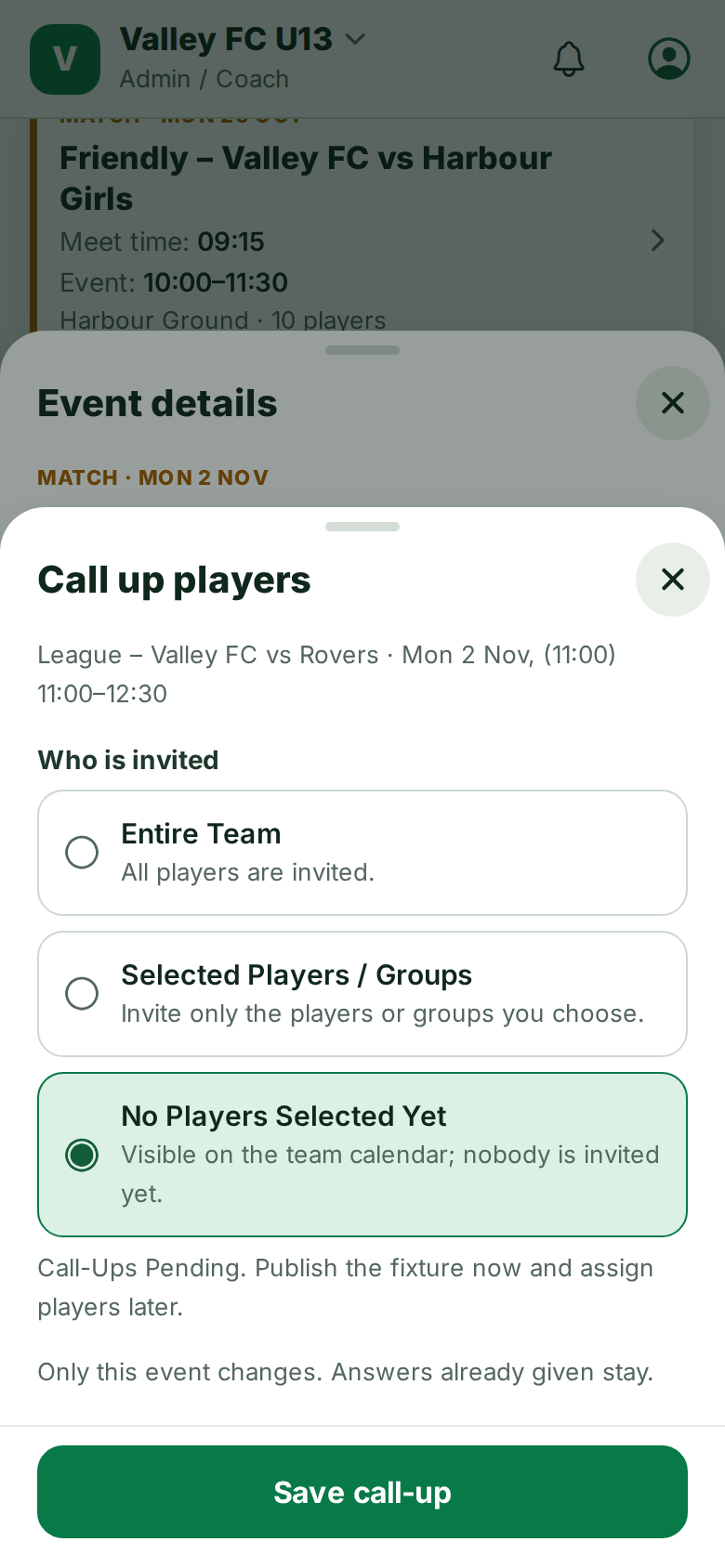
Leave the squad empty and the team sees Player Call-Ups Pending. When you are ready, open the event and tap Call up players, pick the squad and write two messages: one for the players called up and one for the others.
Drafts are only seen by staff. Publish them when the schedule is ready.
Still stuck? Write to support@ahna.app.