Join your child's team
Use the link or code from the coach, choose Parent and pick your child.
For parents
- Open the invite link the coach sent you, or open AHNA and choose Join a team and type the team code.
- Create your account with your own name and birth date (not your child's).
- Choose Parent, then pick your child from the team's list. If your child is not listed, add them.
- Wait for a coach or admin to approve you. Until then you can look around but not answer or post.
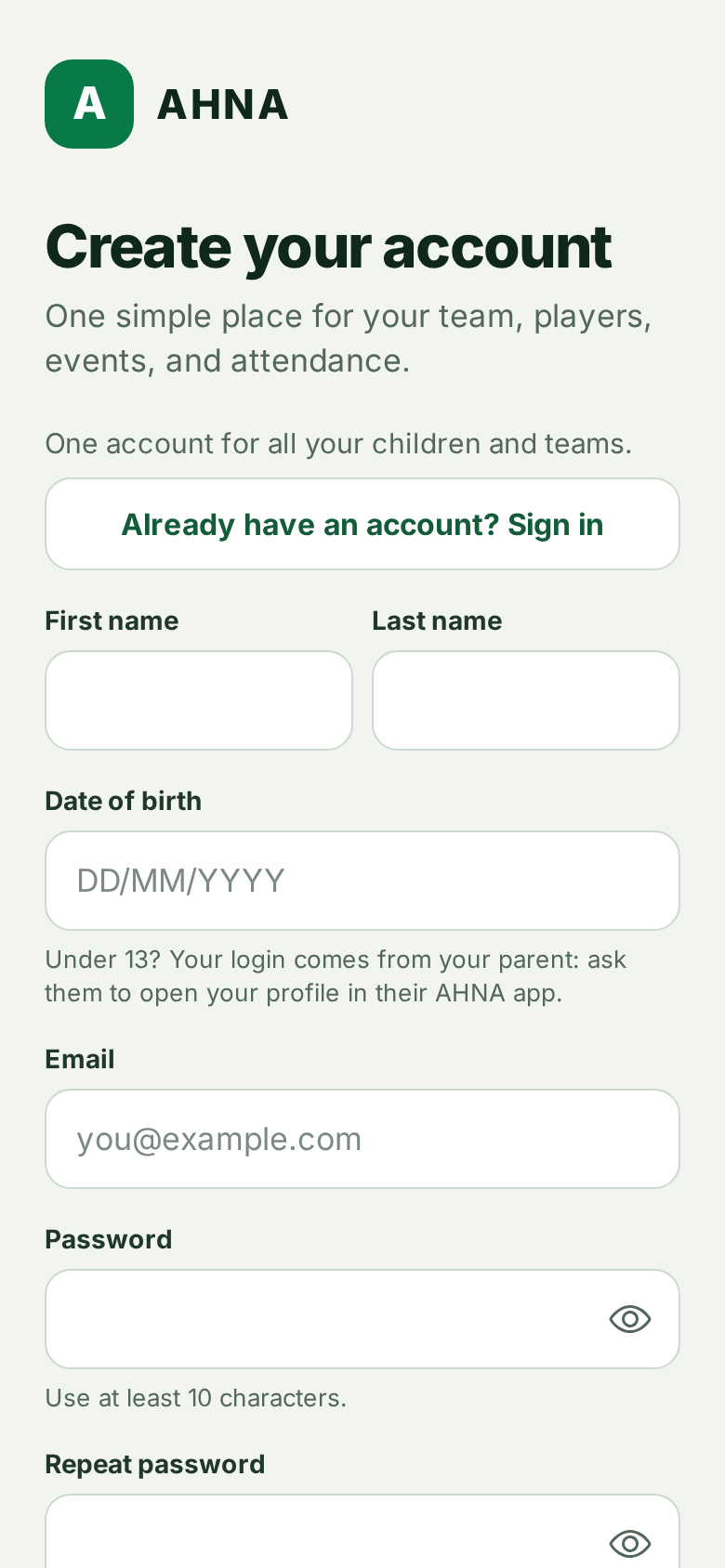
Several children in the team? Pick them all. One account works for every child and every team.
Something went wrong
- "This birth date is under 13": you typed your child's birth date. Sign up with your own details; your child gets their own login later (see Give your child their own login).
- Your child appears twice: tell the coach. Do not add the child again; the coach links you to the right profile.
Still stuck? Write to support@ahna.app.