Give your child their own login
Make a one-time link for your child's phone. You stay in charge.
For parents
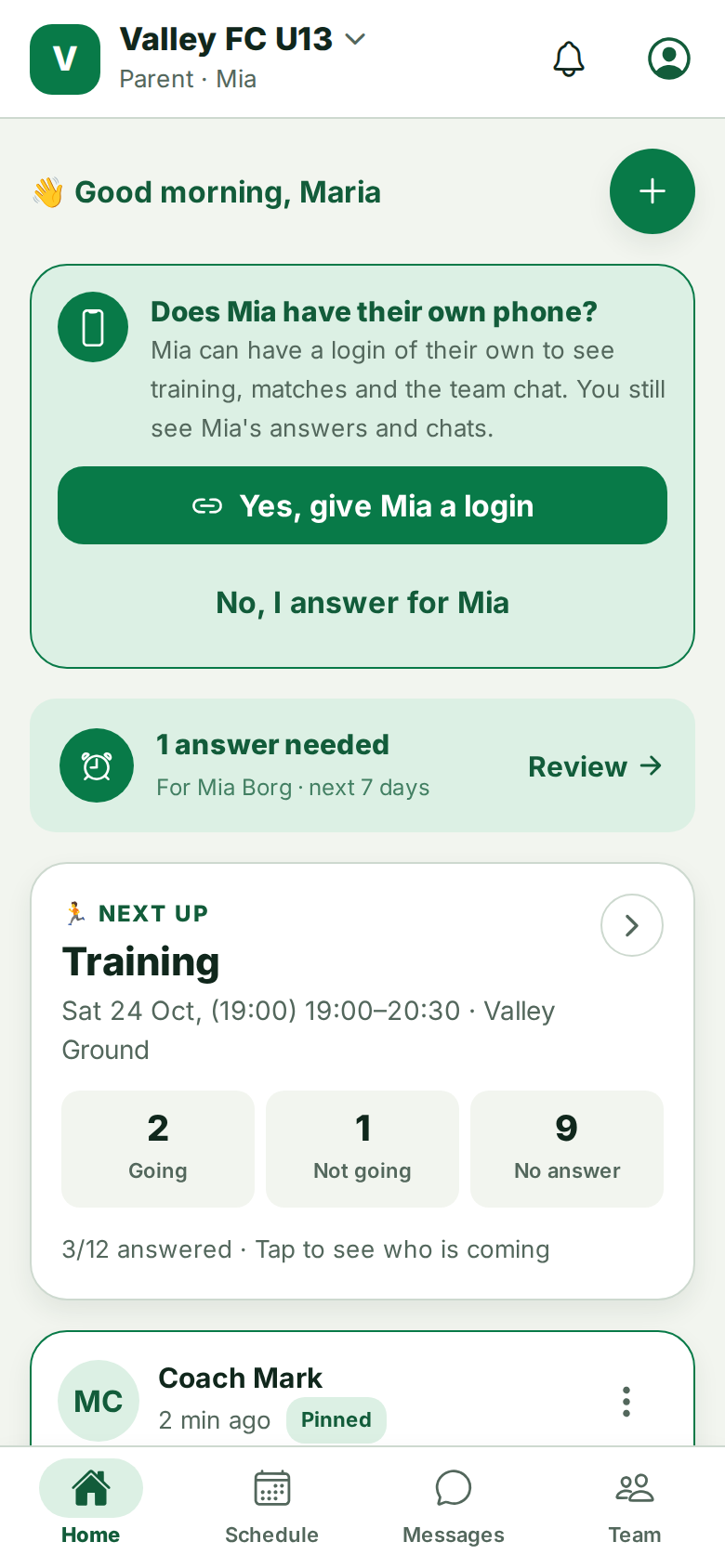
- On Home, answer Does [child] have their own phone? with Yes, give [child] a login. Or go to Me & settings (or Team, then ⋮ next to your child).
- Choose Give [child] their own login.
- Send the link to your child's phone, or open it there. Your child chooses an email and password.
Each link works once. Making a new link stops the old one. Links also run out after a while.
The link does not work
- Already used: your child already made their login. They sign in with the email and password they chose.
- Replaced: you made a newer link. Use the newest one.
- Expired: make a new link.
Still stuck? Write to support@ahna.app.