Hand out kit before the game
Open the game in Team → Kit and tap each item as you give it.
For kit helpers, coaches & admins
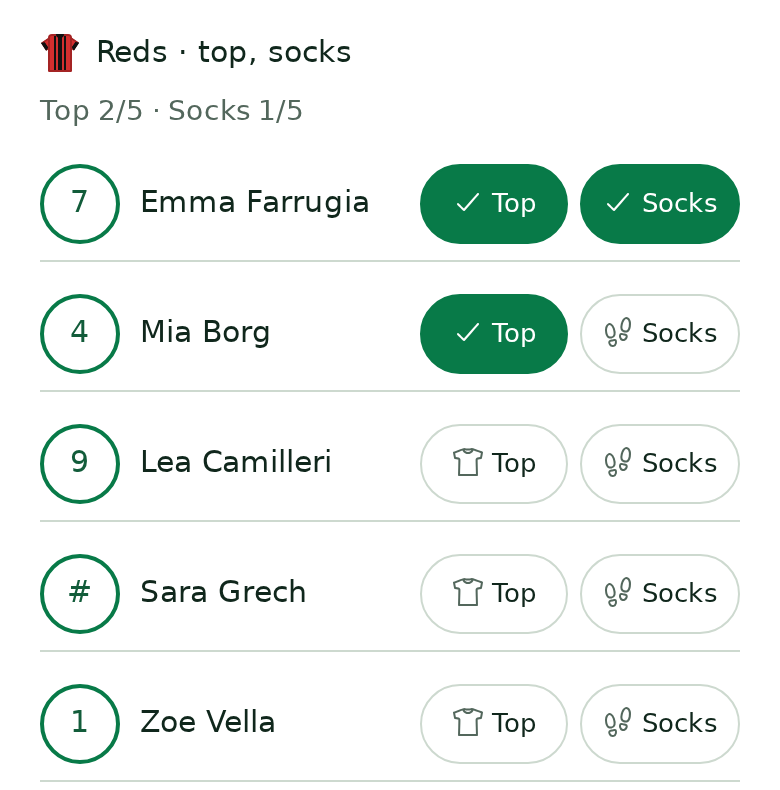
- Team → Kit, then tap Hand out / collect kit on the game.
- Tap Top, Shorts or Socks as you give each item, one by one. Tap again to undo.
- My kits shows the kits you look after. Tap All kits to cover for another helper.
Shirt numbers
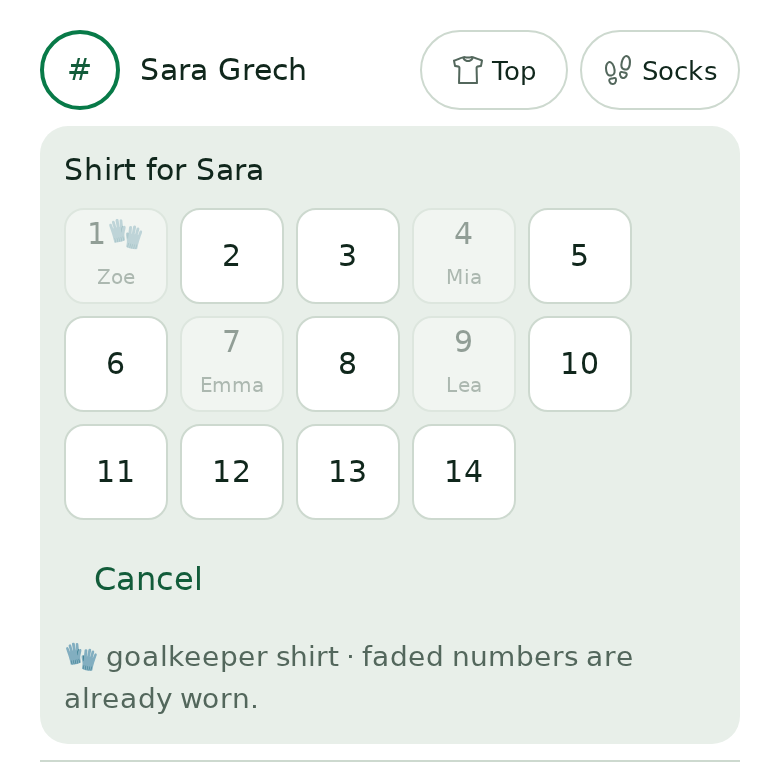
Tap the # circle to choose a shirt from the bag. A top needs a number: if a player has none, tapping Top asks for the number first. 🧤 is a goalkeeper shirt; faded numbers are already worn.
Every tap shows up live for all helpers, so two people can hand out at the same time.
Still stuck? Write to support@ahna.app.