Collect kit after the game
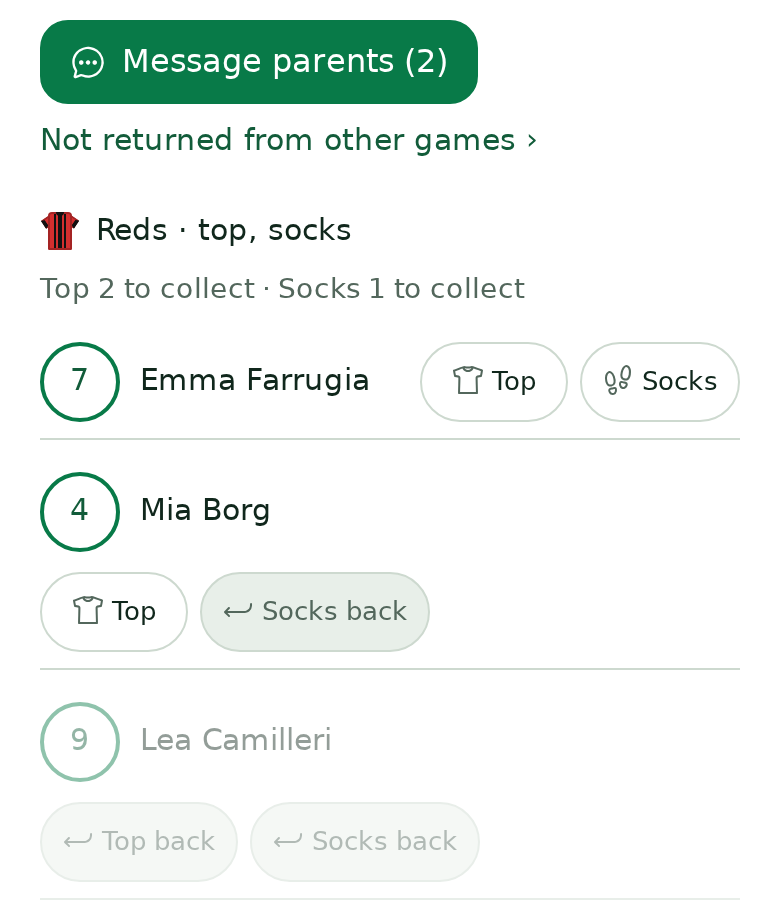
Switch to Collect, tick what comes back and message the rest.
For kit helpers, coaches & admins
- Open the game in Team → Kit and switch to Collect.
- Tap each item as it comes back. Players who still have kit are at the top.
- Something missing? Tap Message parents. Each family is told only about their own child's kit.
Kit from earlier games stays in Team → Kit → Kit not returned yet until you tap Returned.
Still stuck? Write to support@ahna.app.